



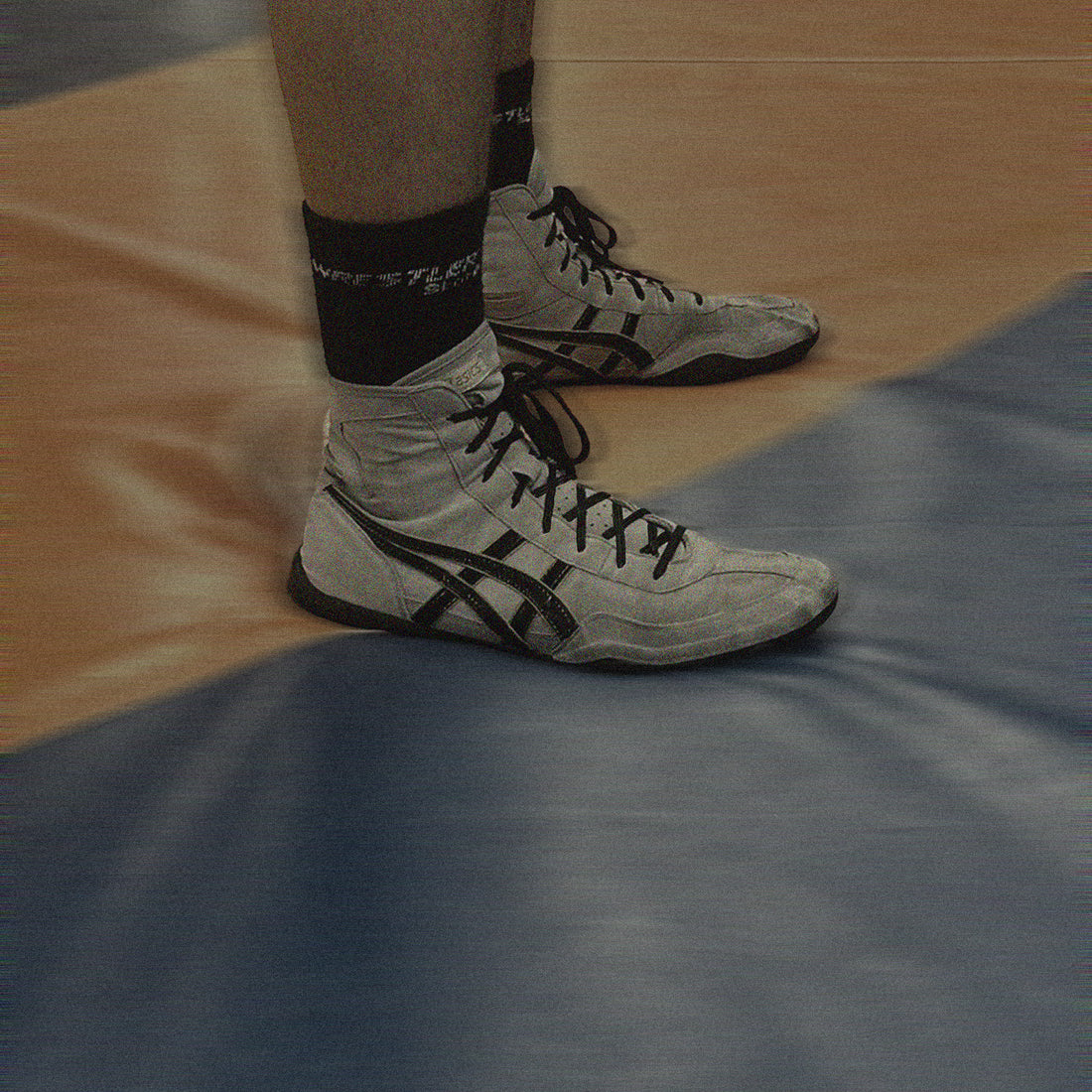
Design and order your custom ASICS EX-EO wrestling shoes
Design your custom ASICS EX-EO right here on WrestlerStore: pick your colors, add embroidery if you want it, choose your size and order.

How to order your custom ASICS EX-EO
-
Open the configurator
Open the configuratorOpen the product page for the custom ASICS EX-EO. The configurator starts right there. Once it has loaded, you'll see your shoe and, below it, “Choose an area”.

-
Choose your colors
Choose an area, such as “Upper (C1, C2)”, and tap a color. “Next” takes you to the next area, “All areas” back to the overview. You can design the upper, reinforcement, heel window, ASICS stripes, stripe trim, laces and outsole. You can rotate the shoe as you go.
Colors can vary slightly depending on the material and your screen.

-
Add embroidery (optional)
Want a name or text on your shoes? Open the “Embroidery” area, switch the toggle to “With embroidery” and choose “Edit text”. Pick “Latin letters” or “Kanji”, enter your text and confirm with “Apply”. Finally, choose the thread color. The price updates automatically.
Latin letters: up to 10 characters, using capital letters A–Z, numbers, dots, hyphens and spaces. Kanji: up to 6 characters. No embroidery? Just skip this step.


-
Choose your size
Under “Shoe size (Japanese size)”, pick your size from 22.5 to 30. The “Size chart” and the size calculator on the product page will help you.
Important: you can't add the shoe to your cart without choosing a size. On a phone, the size selector sits below the configurator, so scroll down and choose your size.

-
Add to cart and check
Choose “Add to cart”. Your design is saved automatically. Your cart then shows your size, your embroidery and your ASICS Design-ID.
Want to change your design? Adjust it in the configurator, add the shoe to your cart again and remove the old line there.

-
Complete your order
Go to checkout and complete your order as usual. Your design is automatically linked to the order, so there's nothing else to send us. Your pair is then made to order. Production and delivery take 40–80 days in total. Once it ships, you'll get an email with a tracking number and tracking link.


Ready for your own ASICS EX-EO?
The configurator shows every color on your shoe right away.
Frequently asked questions about ordering
No. You design your shoe directly on our product page. As soon as you add it to your cart, your design is saved automatically and linked to your order.
You choose your Japanese size from 22.5 to 30. The “Size chart” and the size calculator on the product page will help you. If you're between two sizes, take the larger one. Our guide to Japanese shoe sizes explains how to measure correctly.
No, embroidery is optional and costs a small extra charge. As soon as you turn it on, you'll see the price on the product page. For different names or fonts, create a separate design for each.
Production and delivery take 40–80 days in total. That isn't just shipping time: your pair is only made after you order. Plan ahead for competitions. If your order contains other items, delivery follows the item with the longest production time.
You'll receive an order confirmation by email. Your design, size and embroidery are already in the order. Once your pair ships, you'll get an email with a tracking number and tracking link.
No. As a custom-made item built to your specifications, the shoes are excluded from withdrawal and returns. Statutory rights apply in case of defects. Please check your design and size before you order.
There are no customs duties within the EU. For deliveries outside the EU, customs duties, import VAT and handling fees may apply and must be paid by the recipient.
Reload the page or open it in a different browser. If that doesn't help, or if you see a field for a link instead of the configurator, email us at admin@wrestlerstore.com. We'll help you with your order.
Need them sooner? Ready-made ASICS EX-EO
In-stock shoes ship within 1–3 business days.


Design your ASICS EX-EO now
Choose your colors, add embroidery if you like, pick your size and order directly from WrestlerStore.